
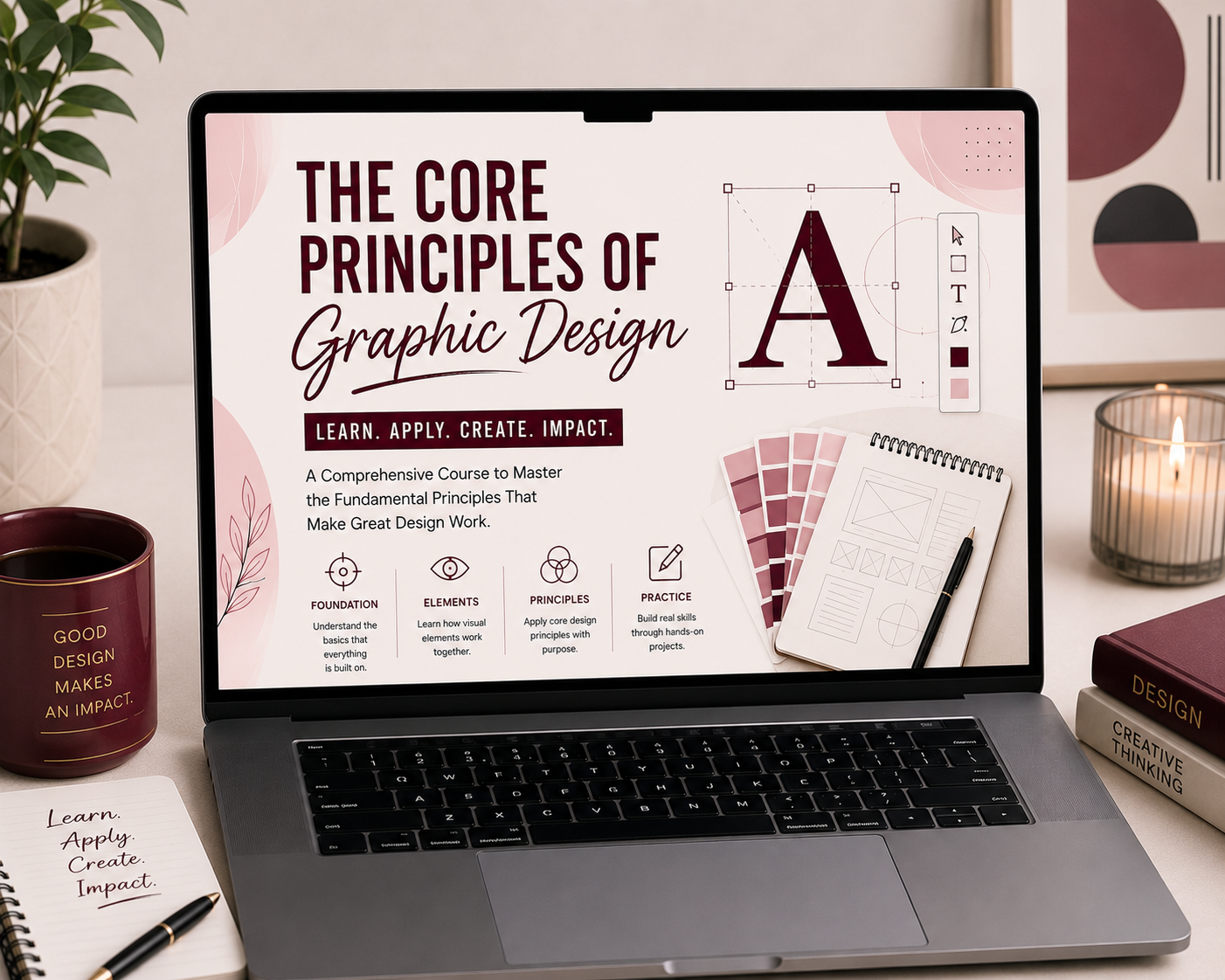
The Core Principles of Graphic Design

Uncategorized
Wishlist Share

About Course

Understand the essential principles that make designs effective and visually appealing. This course teaches you how to use layout, color, typography, and composition to create clean, professional graphics for any project.

Course Content

Introduction to Graphic Design
In this course, I will be showing you how to become one of the highest-paid freelancers to date – a graphic designer. To start off, we will be defining the job responsibilities of a graphic designer, the steps to becoming one, and the usual terms that are used in this industry. So without further ado, let’s get started.

  • What is a Graphic Designer?
    03:40
  • Why Become a Graphic Designer?
    04:05
  • How to Become a Graphic Designer
    04:00
  • Graphic Design Terms and Definitions

Getting Started as a Graphic Designer
Getting started as a graphic designer can be daunting, especially if you're not familiar with the tools and layout of Adobe Photoshop, Adobe Illustrator, and Canva. In this module, we will be showing you the first steps to take so you can get up to speed quickly.

What is Photoshop?
Photoshop is a program that lets you edit photos and videos, create graphics, and more. It's been around for more than 25 years and has become the standard for editing images—so much so that Adobe has even created an entire platform of products based around it. The software itself comes in a few different versions, each with different features. Photoshop Elements is designed for people who want to do basic photo editing and organizing without spending too much money, while Photoshop CC is targeted at professional photographers who need more advanced features like video editing and 3D modeling capabilities.

What is Illustrator?
Adobe Illustrator is a professional design software used for creating vector graphics such as logos, icons, illustrations, typography, and branding materials. Unlike regular images made of pixels, vector graphics can be resized without losing quality, making Illustrator a popular choice for both print and digital design projects. Many graphic designers use this software to create clean, scalable, and professional-looking artwork for businesses and brands. In this lesson, you’ll learn what Adobe Illustrator is, how it works, and why it is considered one of the most important tools in the graphic design industry.

Understanding Smart Objects
Smart Objects are basically reusable images with different layers. This means that if you ever need to make changes to the image, all you have to do is double click on it and make your adjustments. This is especially helpful when creating designs for multiple projects. In this module, we'll go over how to turn a regular image into a Smart Object so that you can start saving time and making better designs!

Branding and Mockups
Branding is a way to make a business stand out from the rest. It's deliberate and intentional, and it involves a lot of thought and planning. When you're branding a business, you're trying to create an image that will resonate with your customers, whether they are current or potential ones. When people think of branding, they often think of logos and colors—but those aren't the only parts of branding. The logo needs to tie into the brand identity, but so does everything else about your business: the way you talk about yourself; the way you interact with customers; even the way a website is built.

Creating Graphics for Print
Graphics for print can be tricky. If you're new to the game, we know you might be feeling a little overwhelmed by all the options out there. That's why we created this guide! In this module, we'll walk you through how to create graphics for print in an easy-to-follow series of steps so that you can get the hang of it in no time.

Creating Graphics for the Web
When you're creating graphics for the web, it's important to know that not all images are created equal. Some images are designed for print, others for video, and still others for the web. The way that these images are formatted will impact how they appear on a website. In this module, we will be focusing on web-based graphics, including blog banners, social media images, infographics, and finally, ebooks.

Student Ratings & Reviews

No Review Yet

No Review Yet

More than just a freelancer, I work as a dedicated partner focused on your long-term growth, bringing strategy, execution, and consistent support to help your business move forward.

Subscribe

Get practical marketing tips, real case studies, and growth strategies straight to your inbox

You have been successfully Subscribed! Ops! Something went wrong, please try again.

© 2026 Maia Estrera. All rights reserved.